
Automation, Integrations & AI
Automation and integrations that reduce manual copying, system handoffs and repeated work; AI only where it adds real control.
About
Task first, automation second
Good automation does not start from a tool. It starts from work the team repeats too often: copying data between systems, checking attachments, updating statuses, sending reminders or rebuilding information before making a decision.
Connect without creating operational risk
We design flows with clear inputs, logs, retries, alerts and manual fallback. Automation should remove repetitive steps, not hide errors that later surface in production, warehouse or back office work.
Where AI fits
AI is useful when it needs to read, classify, extract, summarize or draft inside an already defined process. We do not treat it as a universal shortcut: if human review, permissions or confidence thresholds are needed, they belong in the workflow.
The first point to automate
The right starting point is usually small and visible: a document to classify, an order-stock sync, a notification currently sent by hand, an Excel list that creates errors or an approval that gets lost in email.
Features
Map repeated work
We start from tasks people repeat every day: data copying, notifications, documents, checks, assignments and exceptions.
System integrations
We connect ERP, CRM, email, spreadsheets, forms, databases and APIs with retry logic, logs and visible ownership.
Automation with fallback
Each flow has checks, alerts and manual paths when something does not match, instead of becoming a blind spot.
AI inside controlled workflows
When useful, AI reads, classifies or drafts inside clear rules, permissions, logs and human review.
Examples
Targeted Automation
A contained flow for one repetitive task, with process map, integration, monitoring and clear fallback.
Timeline: 1-4 weeks
Automation Platform
A controlled layer for several workflows: orchestration, integrations, retries, logs, permissions, dashboard and human review where needed.
Timeline: 1-3 months
Automation with AI Review
A flow for documents, classification, search or drafts where AI helps, but every result remains authorized, logged and correctable.
Timeline: 2-4 months
Proven by real work
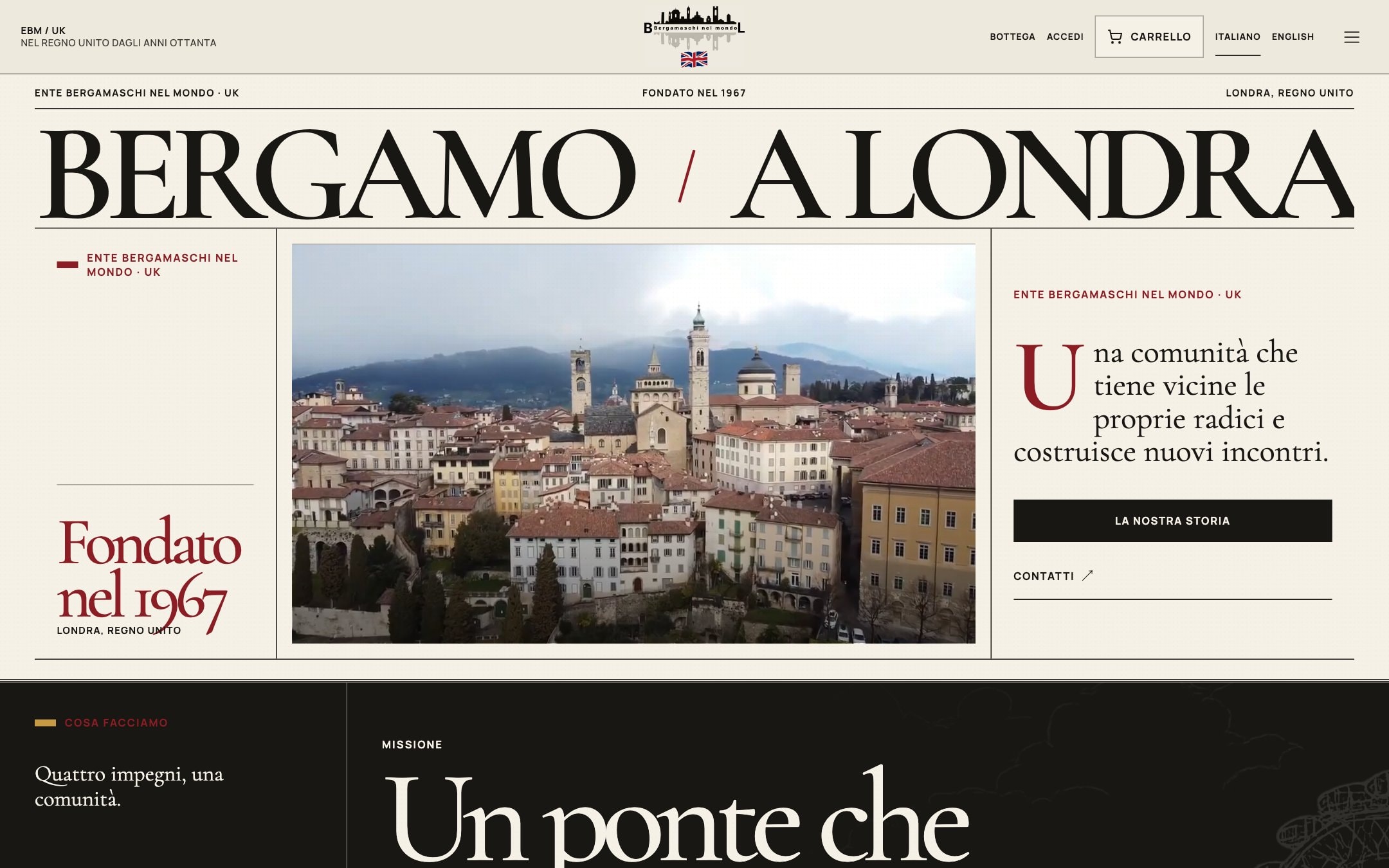
Ente Bergamaschi nel Mondo UK — Website & Telegram Publishing Bot
Database Backup System
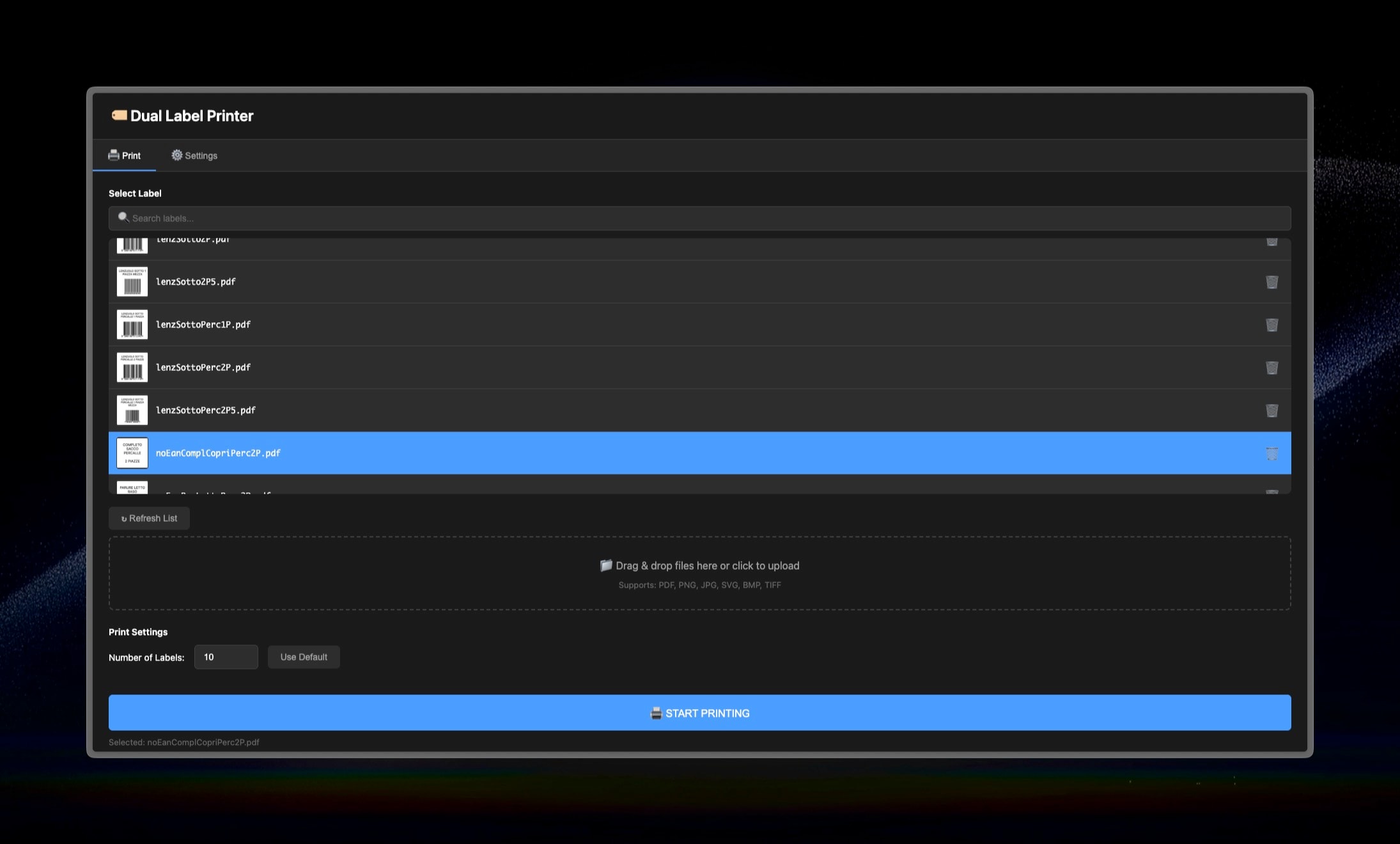
Dual Label Printer — ZPL Automation Tool
Related Services
Dashboards, Analytics & Reporting
Dashboards and reports that connect scattered data to operational decisions, alerts and exceptions handled every day.
Industrial Software & IoT
MES, WMS, machine data, barcode and traceability for factory and warehouse work, released by controlled areas and flows.
Custom Operational Software
Internal tools, portals and workflows for processes now split across spreadsheets, email and disconnected software.
What would you like to work better?
It might be an Excel file that has become unmanageable, a manual process, business software that does not talk to other systems, or a task that takes too much time.